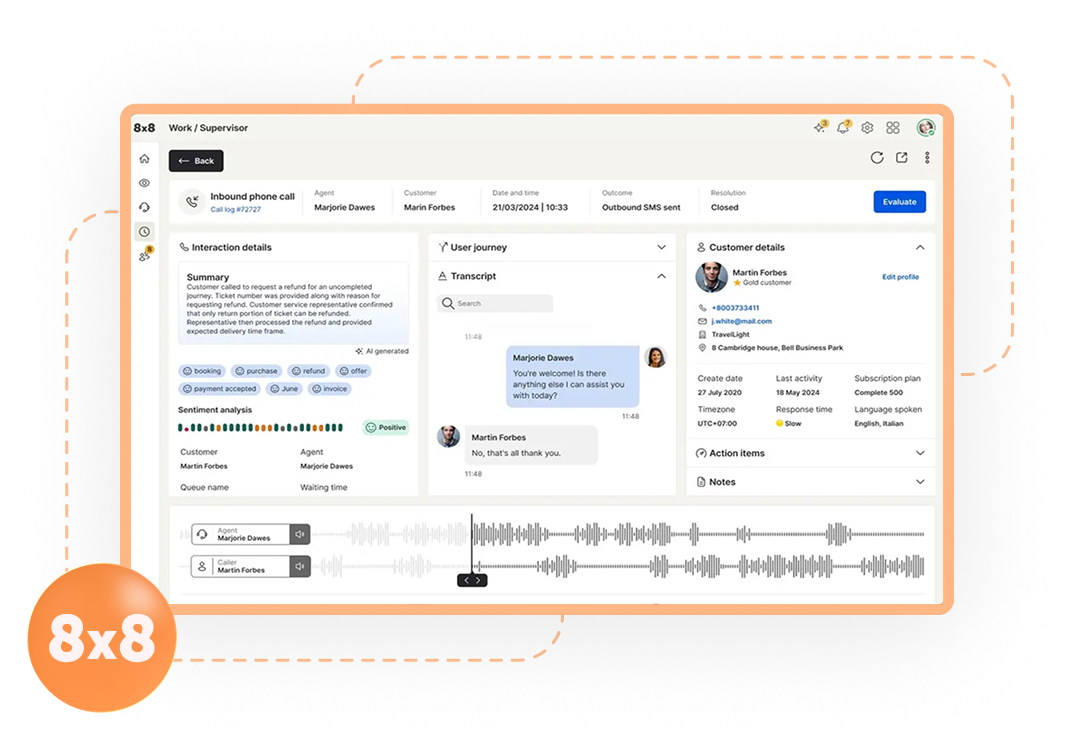
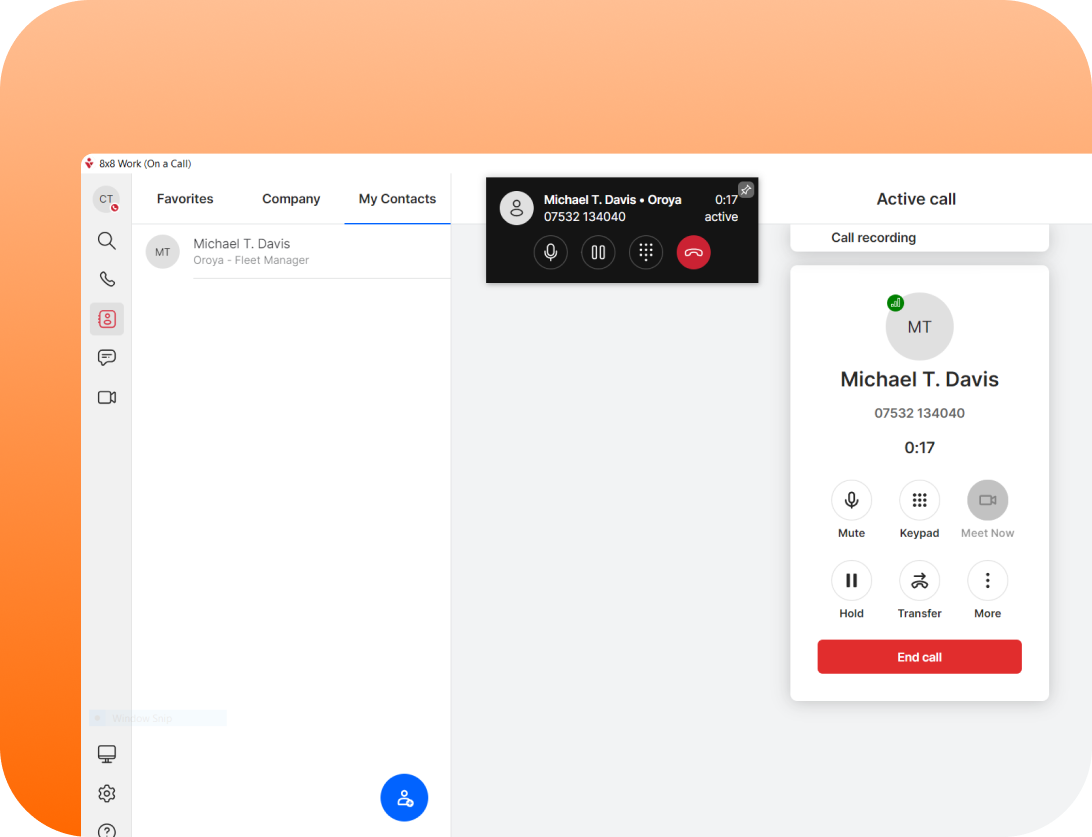
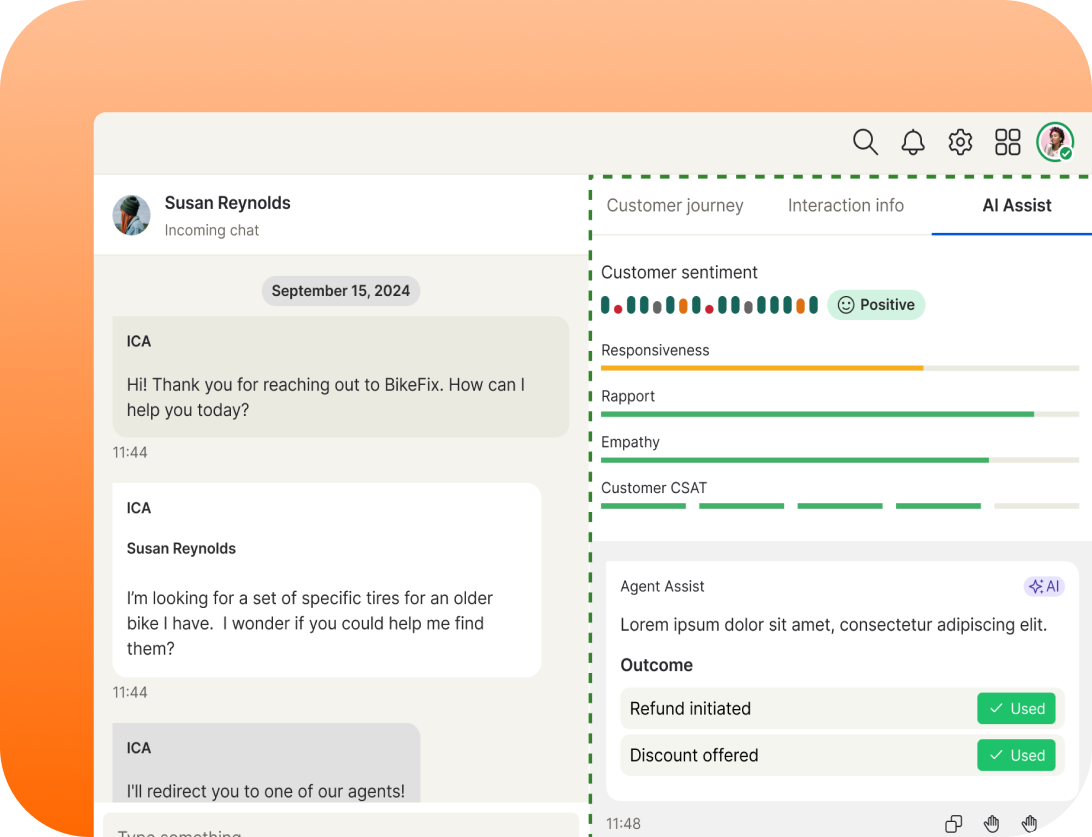
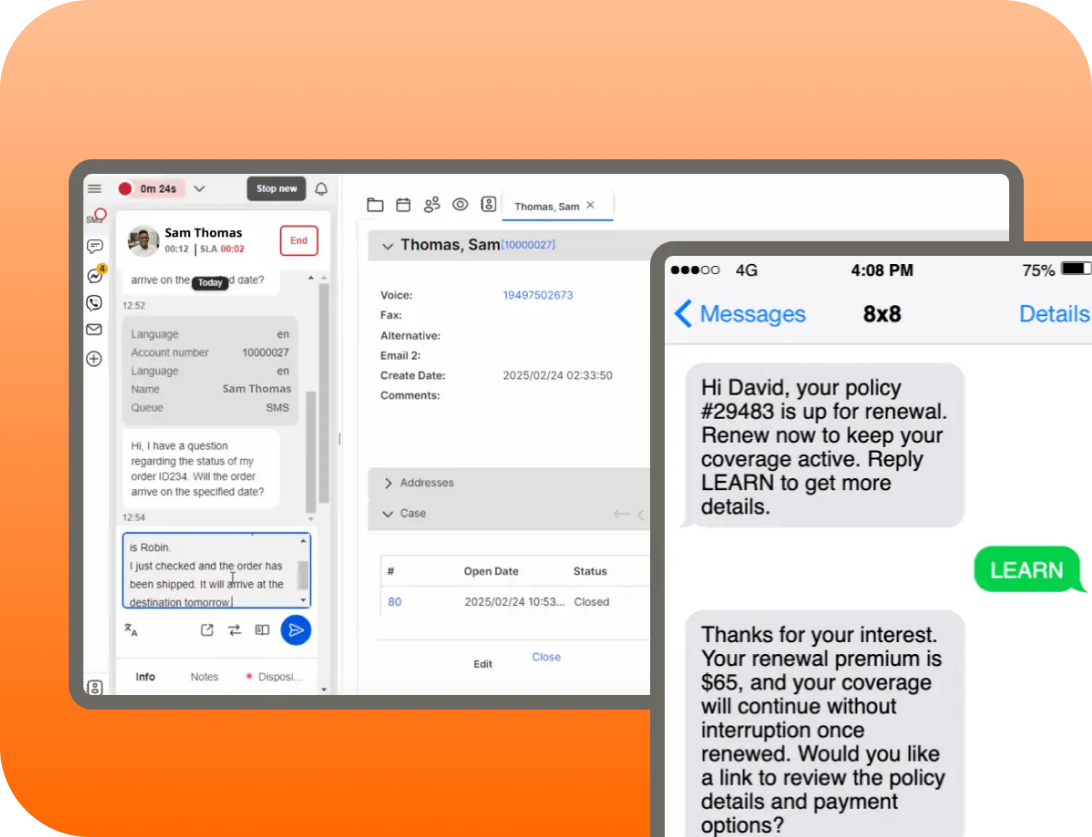
8×8 built a powerful platform. No question. But power and complexity go hand-in-hand. And for small-to-mid businesses, that complexity costs money and slows everything down.
You’re paying for features you’ll never use. Your team spends weeks learning the system instead of using it. Setup takes months. Support tickets go unanswered for days.
You’re not alone. Hundreds of 8×8 customers each year switch to simpler platforms. Here’s why.
Paying for Enterprise Features You Don't Need
8×8 is built for contact centers and large enterprises. That’s their strength. But if you’re a 20-50 person team, you’re paying for:
Advanced call flows and IVR (you need a simple phone system)
Blended communications (voice + chat + video bundled, whether you want it or not)
Advanced analytics and reporting (dashboards nobody uses)
Complex integrations that require IT setup (you just want it to work)
A typical 20-seat team on 8×8 pays $2,400-3,200/month. Most of that goes to features they don’t use.
Feature Bloat Creates Learning Curve & Support Burden
8×8’s interface is powerful but overwhelming. New team members need training. Lots of it. You either hire a consultant, spend IT time, or watch your team fumble through configuration.
Simpler competitors have features that just work. No three-hour training sessions. No consultant bills. Just sign up and start using it.
Complexity Extends Setup Timeline
Setting up 8×8 isn’t something you finish in a week. You’re probably looking at 4-8 weeks minimum:
Network configuration
IT integration and testing
User management and permissions
Custom call flows and IVR
Training all staff
A modern alternative can be live in 2-3 weeks.
High Cost Compared to Simpler Alternatives
8×8 pricing is similar to RingCentral, and you get the same vendor pressure: hidden fees, surprise add-ons, price increases at renewal. A simpler platform costs less and stays transparent.
Best 8x8 Alternatives That Work
Alternatives to RingCentral
RingCentral dominates through brand, but they’re not the best fit for most small-to-mid businesses. Prices creep. Support gets slow. Contracts lock you in.
Who’s switching? Companies with 10-100 seats. Teams tired of surprise fees. Anyone on 2-3 year contracts ready to break free.
Better alternative? Transparent pricing. Month-to-month terms. Responsive support. See Best RingCentral Alternatives 2026 or check our transparent pricing.
Alternatives to Mitel
Mitel’s on the way out. MiCloud is being sunset. If you’re on Mitel, you’re already planning the exit.
The issue Migration costs are high. Their platform is mature but aging. You need a modern replacement.
Better alternative? Cloud-native architecture. Faster setup. Lower switching costs. See Best Mitel Alternatives 2026.
Alternatives to 8x8
8×8 is powerful for contact centers but overkill for small teams. Feature bloat. Complexity. Not worth the cost if you don’t need it.
Who’s leaving? Small businesses that grew into 8×8 and realized it’s too much. Teams that need simplicity over power.
Better alternative? Simpler, cheaper, still scalable. See Best 8×8.
Alternatives to Nextiva
Nextiva shines in blended communications (voice + chat + video). But if you just need a reliable phone system, you’re paying for extra.
Who’s switching? Teams that want unified communications but don’t want Nextiva’s complexity or pricing model.
Better alternative? Focused, transparent, and simpler. See Best Nextiva Alternatives 2026.
Microsoft Teams Phone
Teams Phone is free if you’re already paying for Microsoft 365. But it’s a phone system in name only.
What you get: Basic calling. Voicemail. Limited integrations. No recording. Limited mobile support..
What you don’t get: Feature depth. Call handling. Real support. Advanced analytics.
Who uses it? Teams-heavy organizations where cost is the only factor. Everyone else needs a real phone system.
Feature Comparison: 8x8 vs. Techmode
Factor
Starting Price (per seat/month)
Contract Length
Call Recording
Video Conferencing
Integrations
Setup Timeline
Learning Curve
Mobile Reliability
Support Response
Scalability
8x8
$80-120
Annual
Included (complex)
Included (limited)
Limited (manual)
6-8 weeks
High (requires training)
Good
24-48 hours
Enterprise-grade
Techmode
$16.20/month
Month-to-month
Included (unlimited)
Included (unlimited)
100+ pre-built + API
2-3 weeks
Low (intuitive)
Excellent
<2 hours
Up to 500+ seats
Real Customer Story
One tech company started on 8×8 because they “needed enterprise.” Two years in, their 25-person team realized: we’re not using 90% of this. Complex setup. High cost. Slow support.
Result: Moved to Techmode in 3 weeks. Cut costs from $28,800 to $3,240 per year. Team productivity went up (simpler interface). Support went up (actual response times, not promises).
FAQ
Can I keep my phone number when I switch from 8x8?
Yes. We handle the port from 8×8. Takes 5-10 days. No downtime.
What happens to my call recordings and history?
We migrate them. All your historical data comes with you.
How much will I save switching from 8x8?
Median savings: 75-80% vs. 8×8. For a 20-seat team on 8×8 at $120/seat, that’s $28,800 → $3,240 per year.
Do you have long-term contracts?
No. Month-to-month only. Cancel anytime with 30 days notice. No exit fees.
Can I integrate with my existing tools?
Yes. 100+ integrations: Salesforce, Slack, Microsoft Teams, HubSpot, Zapier. Custom integrations via API.